Microsoft 365 Copilot is now a provider in LiteLLM. Use it from your applications to ask questions about your Microsoft 365 work data.
Users sign in with their Microsoft work account and ask questions like “Summarize my latest meeting.” Copilot answers using the data they already have permission to access.
LiteLLM Auto Router now supports Laya and Bespoke Nimble as self-hosted classifiers. Run either model on your infrastructure to choose which completion model handles each request. Your application keeps calling the same router endpoint.
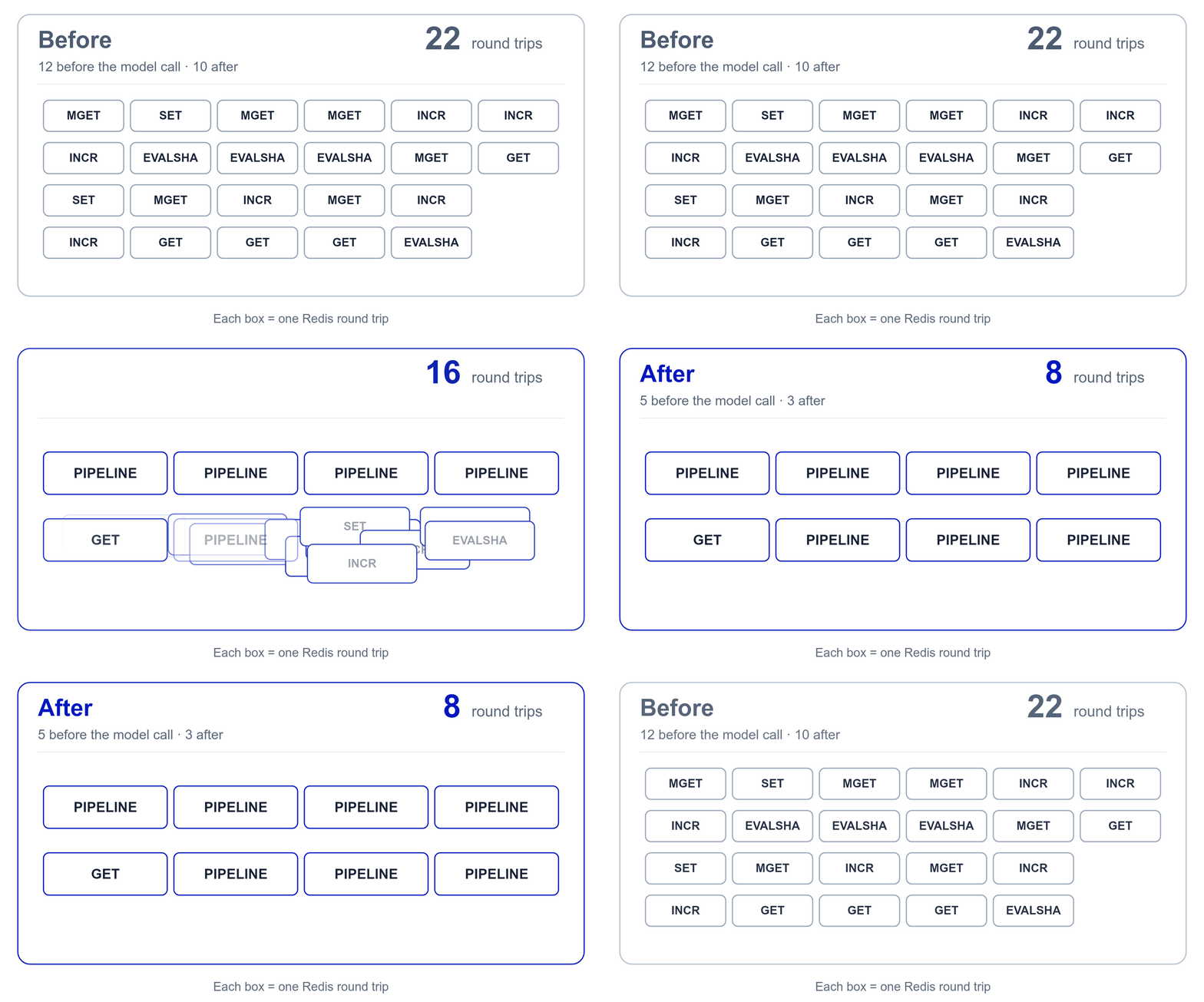
This week, we cut the number of times a request to the LiteLLM proxy waits on Redis from 22 to 8.
A request from a key with a budget, in a team with a budget and TPM/RPM limits, against a model group with usage-based routing and a Redis response cache, made 22 Redis round trips: 12 before the model was called and 10 after. The same request, with the same checks and the same writes, now makes 5 before and 3 after.
This week, we made the LiteLLM Usage page roughly 120x faster.
With 5,000 API keys, our Usage page took over six minutes to show 30 days of totals. We redesigned how it loads data and brought that down to 3.2 seconds in our benchmark. That's roughly 120x faster.
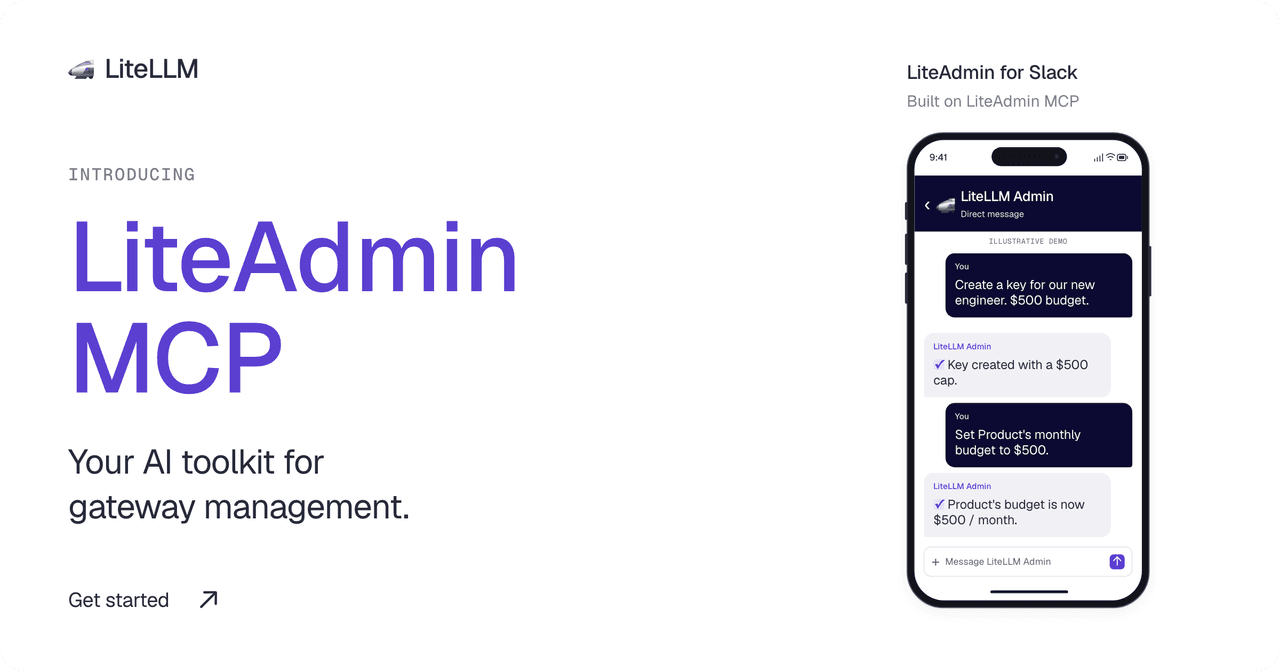
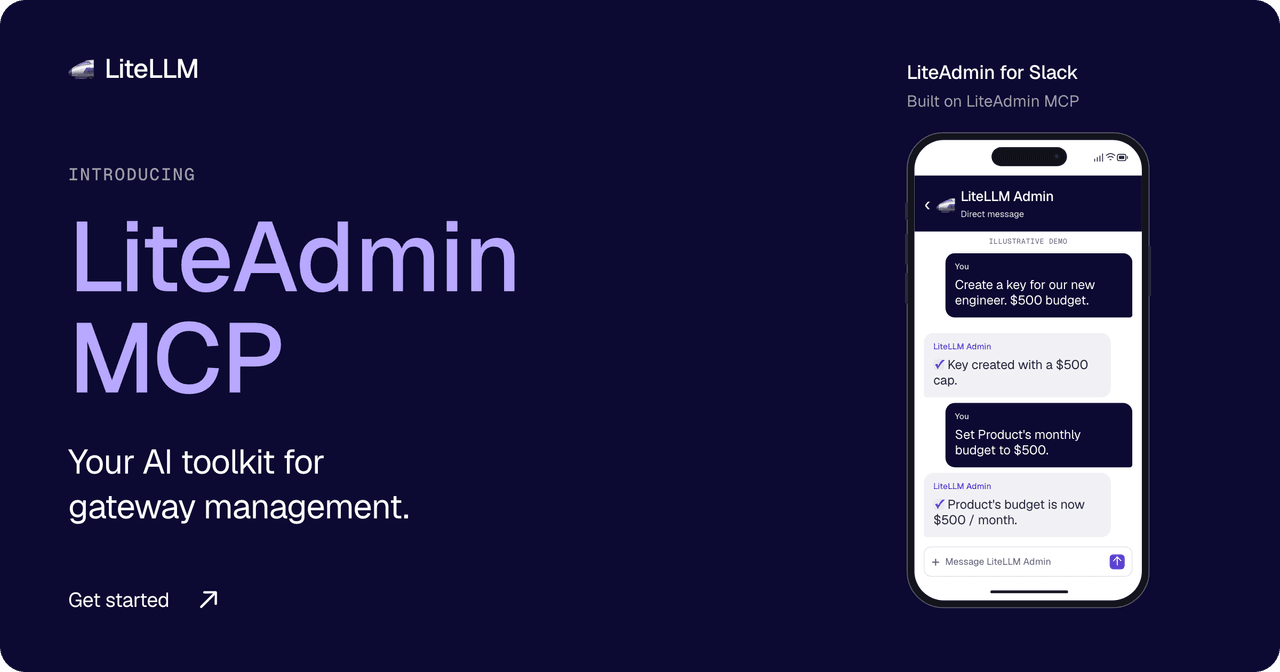
An engineer asks for an API key for a new project. You need to choose its models, set a budget, and assign it to a team. As usage grows, you need to check spending and adjust those limits.
LiteAdmin MCP lets your agent handle these tasks through your gateway's management API. Connect it to an MCP client or a custom agent. We built LiteAdmin, our Slack admin agent, on the same connector.
Anthropic is moving Claude Code auto mode's safety classifier from the client to the Claude API. Starting with Claude Code v2.1.278, released September 19, sessions on Enterprise plans and Claude API accounts ask the server to run those checks as part of their own model requests, and Anthropic does not charge for the checks when the server performs them. Anthropic told us the rollout started on September 18 and is gradual, beginning with the Claude Code CLI and VS Code extension and followed by the desktop app and Claude Code on the web over the following week, and that on September 25 auto mode becomes the default permission mode in Claude Code. Today the built-in default is auto on Pro, Max and Team plans and Manual on Enterprise plans and Claude API keys, the accounts that typically sit behind a gateway, per Anthropic's permission modes reference.
Server-side auto mode depends on a contract between Claude Code and the API that some gateways did not preserve, LiteLLM included. The fix first shipped in the dev release cut on Tuesday, September 22, and is now in the v1.104.0 stable release and in patch releases of earlier lines. This post explains what Claude Code needs from an AI Gateway, what LiteLLM was doing wrong, what changed, which release carries it, and how to confirm your deployment is ready.
An Auto Router pays for classification before the selected model can answer. In our benchmark, TypeSafe JEV classified requests 5.43x as fast as Haiku, comparing median classifier latency: 126.81 ms versus 688.40 ms. Registry-priced classifier cost was 96.12% lower, rounded to 96% in the title
JEV matched our benchmark's expected tiers on 95.00% of calls, versus 73.75% for Haiku. That result depends on the prompts, tier definitions, instructions and context used here. The expected tiers were authored with the synthetic prompts, without independent review. This comparison does not establish general classification accuracy or the quality of the final answers
We are launching an early beta of the LiteLLM AI Gateway in Rust, and we built AIGatewayBench to measure it against Portkey, Bifrost, and the current LiteLLM Python proxy. Across all four, the LiteLLM Rust gateway has the lowest p99 added latency and the smallest memory footprint by a wide margin: roughly 7x lower overhead and 9x less memory than the next-closest gateway (Bifrost), the lowest cost footprint, and the fastest whole-session times for coding agents. It holds its own on raw sustained throughput and pulls decisively ahead on overhead, memory, and cost.
Over the past year, we have heard the same thing from our users and our community: they want the fastest, most lightweight AI gateway they can run. We have heard you. We are addressing it by moving LiteLLM to Rust, and committing to sub-1ms overhead with a sub-100MB memory binary you can deploy. By the end of this migration, you will get a pure Rust server that can serve 100% of your AI traffic, with every hot path operation, including auth and rate limiting, running in Rust.
Want to help us build it?
We are opening an early beta and want to work directly with teams who care about a fast, lightweight gateway. If that is you, sign up here and we will get you testing the Rust gateway in your own stack, with a direct line to our team.
The reason it matters: under real load, CPU and memory climb with concurrency, and pods get OOM-killed at the worst time. Today the LiteLLM Python proxy peaks around 359MB of memory under load, and that cost multiplies across every pod, region, and retry you run.
We are already seeing the payoff in benchmarks. The Rust gateway serves about 15x the throughput (453 to 6,782 requests per second) on about 11x less memory (359MB to 32MB), and cuts per-request overhead from about 7.5ms on the Python path to about 0.05ms, well under the 1ms we commit to.
You deploy a single Rust binary. It uses about 65MB of memory, gateway overhead stays under 1ms, and nothing in your setup changes: same config.yaml, same database, same client API, same providers. You keep LiteLLM's coverage of 100+ LLM providers behind one OpenAI-compatible API, with /chat/completions, /messages, /responses, and every other LLM endpoint LiteLLM supports today, now as the fastest and most lightweight LLM gateway you can self-host.
This is not a v2 and not a rewrite. There is no new major version to migrate to and nothing for you to change. The runtime under the hot path gets faster and lighter while your config stays exactly where it is.
We ship this the careful way. Each route moves to Rust only after it passes our full parity and end-to-end test suite, and it runs in production before the next route starts. Stability is the priority, and we target zero regressions on every release.
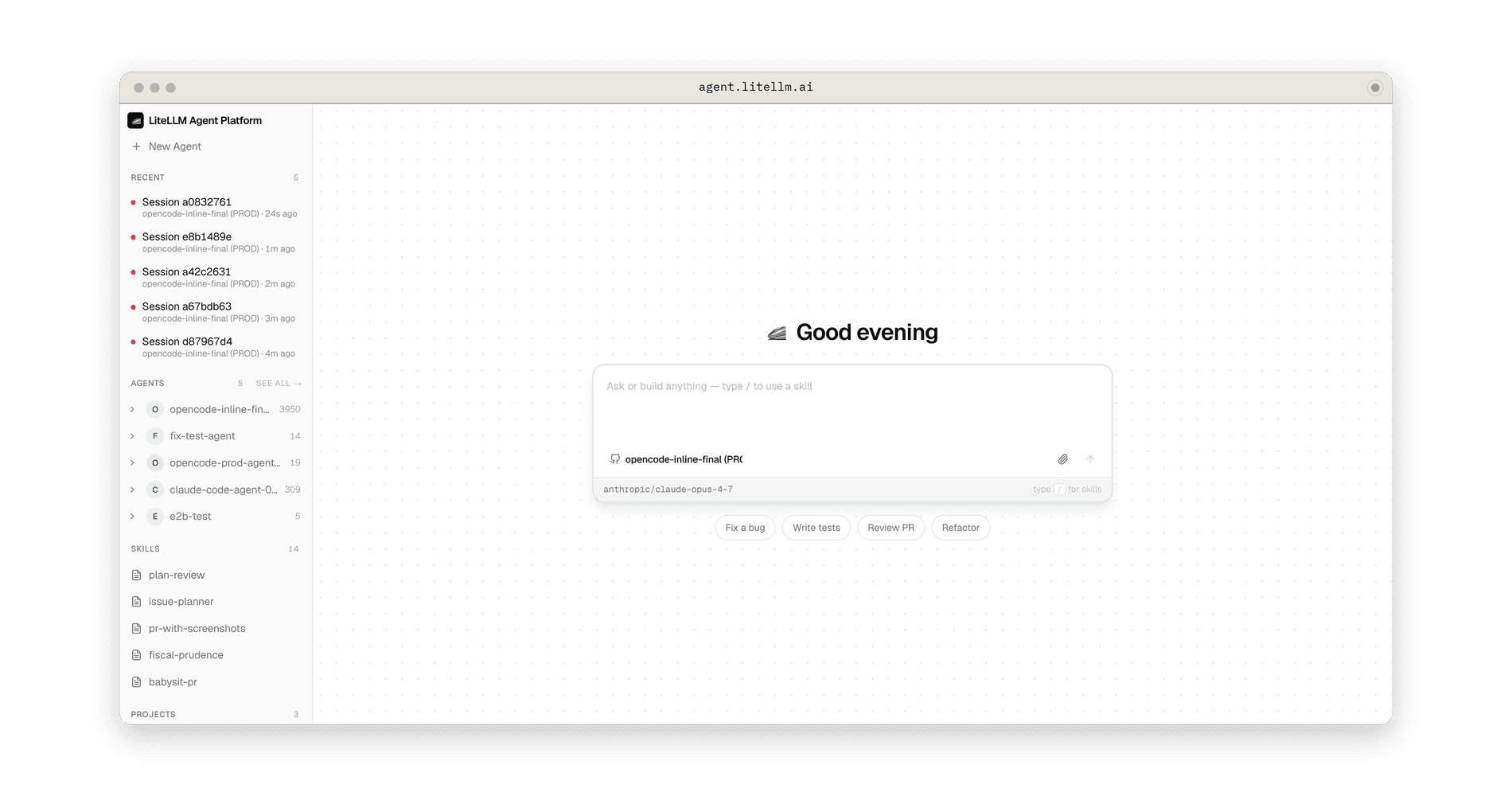
Agent infrastructure is already separating into three layers: models, harnesses, and runtimes. We believe a fourth layer will emerge: the unified agent control plane. This will allow calling agents living in different agent runtimes, all from 1 place.
Harnesses are the next frontier of vendor lock-in. LiteLLM was built to swap across model providers easily. However, as the models get saturated, the next area for competition becomes the harnesses and managed agents. To make it easy to go across vendors at the harness layer, we're launching the Lite-Harness SDK. This is a simple TypeScript+Python SDK which allows developers to change harnesses, like they change models.
The LiteLLM proxy container does 2 very different things. It's an LLM data plane, /chat/completions, /v1/messages, embeddings, passthroughs, where latency is measured in single-digit milliseconds of overhead and traffic is high-volume and bursty. It's also a management control plane for keys, teams, SSO, audit logs, and the spend/usage analytics that power the dashboard, where a single request can scan millions of rows.
Run both on the same event loop, and the slowest thing the control plane does sets the reliability floor for the fastest thing the data plane does. This post is about how we've improved LiteLLM's reliability at scale by offering a componentized deployment model.
Enterprise AI Gateway deployments put Redis in the hot path for nearly every request: rate limiting, cache lookups, spend tracking. When Redis is healthy, the latency contribution is single-digit milliseconds, invisible to end users. When it degrades, a production AI Gateway needs to stay up regardless.
Running LiteLLM at scale across 100+ pods means designing for failure modes before they appear. The easy case is Redis going fully down: fail fast, fall through to the database, continue serving requests. The hard case, the one that takes down gateways, is a slow Redis: still accepting connections, still responding, but timing out after 20-30 seconds per operation.