Claude Code - Granular Cost Tracking
Track Claude Code usage by customer or tags using LiteLLM proxy. This enables granular cost attribution for billing, budgeting, and analytics.
How It Works
Claude Code supports custom headers via ANTHROPIC_CUSTOM_HEADERS. LiteLLM automatically tracks requests with specific headers for cost attribution.
Why Set a Customer Header
Without one, Claude Code still reaches customer tracking on its own. It sends a per-session JSON blob in metadata.user_id, which LiteLLM reads as a customer ID, so every session shows up as a separate customer and picks up its own copy of any default customer budget you have configured. Setting x-litellm-customer-id overrides that, since headers are checked before any request body field. If you would rather have that traffic carry no customer at all, see Restricting Which IDs Become Customers.
Tracking Options
Choose how you want to attribute costs:
| Track By | Header | Use Case |
|---|---|---|
| Customer | x-litellm-customer-id | Bill customers, per-user budgets |
| Tags | x-litellm-tags | Project tracking, cost centers, environments |
Environment Variables
| Variable | Description | Example |
|---|---|---|
ANTHROPIC_BASE_URL | LiteLLM proxy URL | http://localhost:4000 |
ANTHROPIC_API_KEY | LiteLLM API key | sk-<your-api-key> |
ANTHROPIC_CUSTOM_HEADERS | Custom headers (header-name: value format) | See examples below |
Option 1: Track by Customer
Use this to attribute costs to specific customers or end-users.
export ANTHROPIC_BASE_URL=http://localhost:4000
export ANTHROPIC_API_KEY=sk-<your-api-key>
export ANTHROPIC_CUSTOM_HEADERS="x-litellm-customer-id: claude-ishaan-local"
Option 2: Track by Tags
Use this to attribute costs to projects, cost centers, or environments. Pass comma-separated tags.
export ANTHROPIC_BASE_URL=http://localhost:4000
export ANTHROPIC_API_KEY=sk-<your-api-key>
export ANTHROPIC_CUSTOM_HEADERS="x-litellm-tags: project:acme,env:prod,team:backend"
Quick Start
1. Set Environment Variables
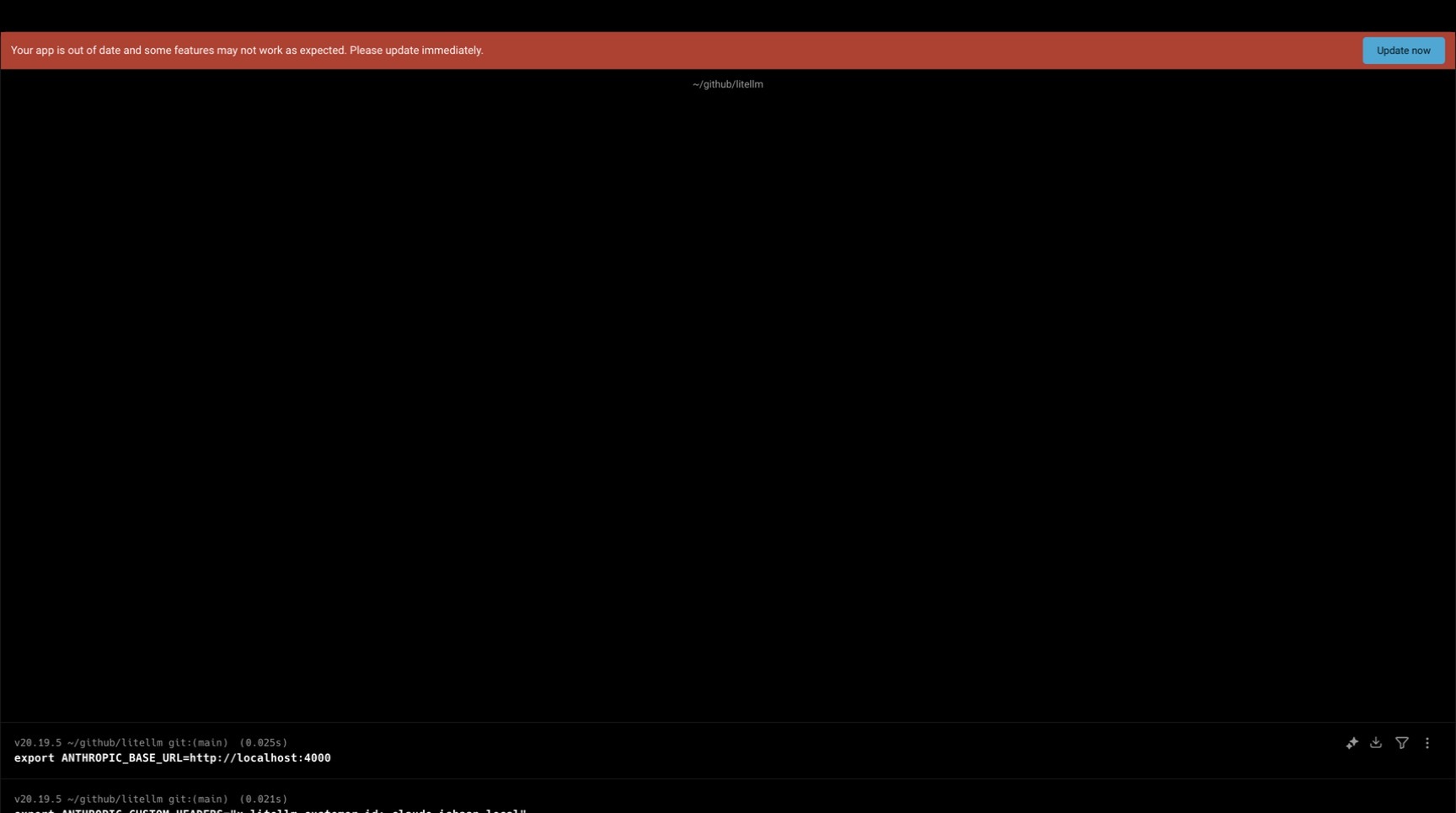
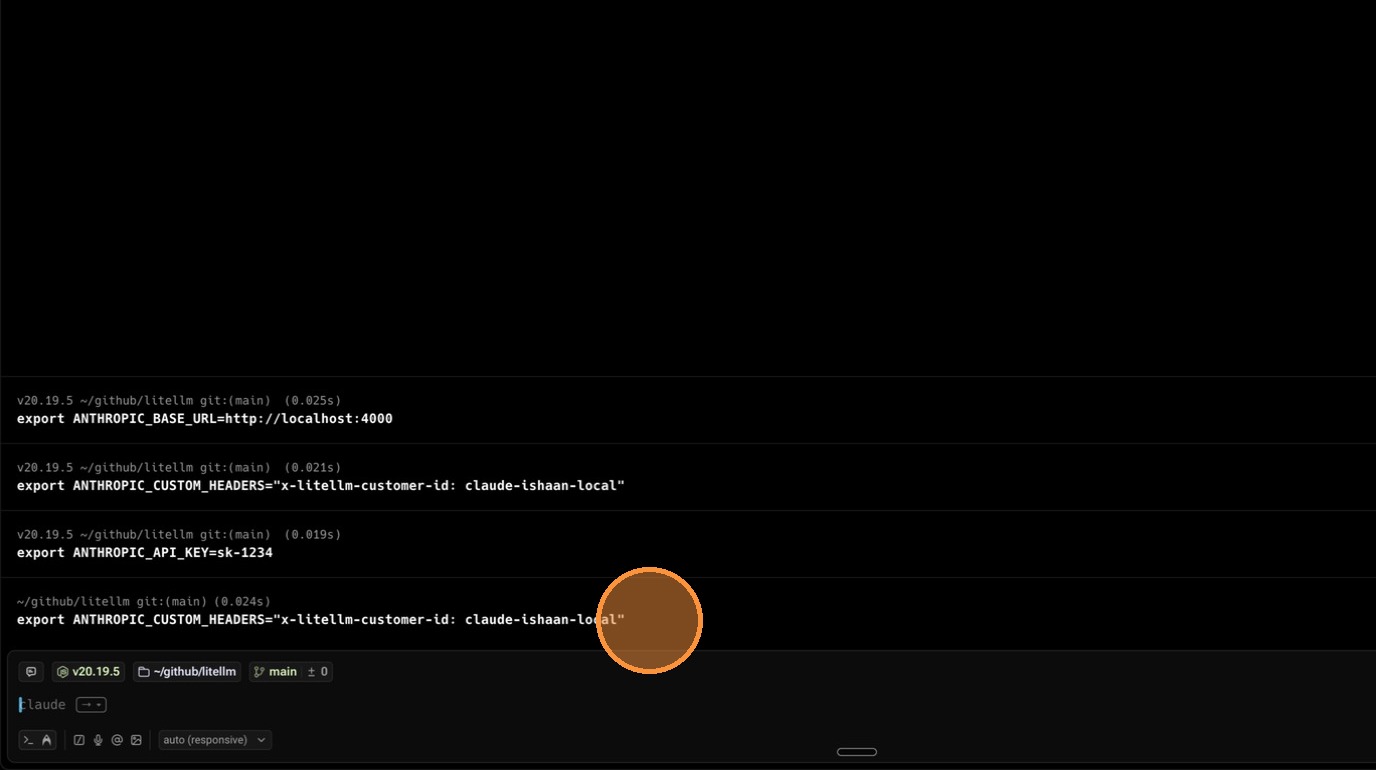
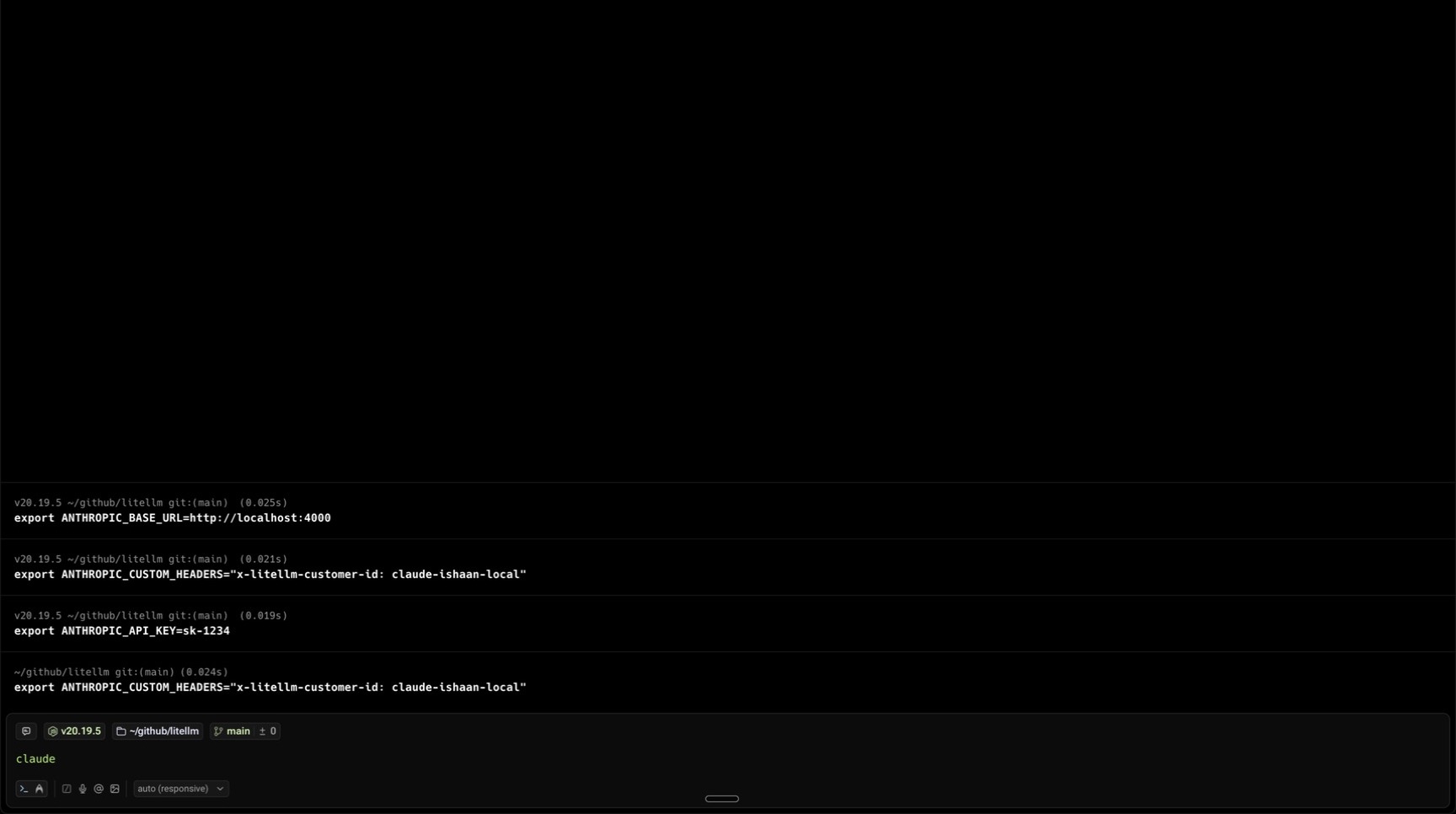
export ANTHROPIC_BASE_URL=http://localhost:4000
export ANTHROPIC_API_KEY=sk-<your-api-key>
export ANTHROPIC_CUSTOM_HEADERS="x-litellm-customer-id: claude-ishaan-local"
2. Use Claude Code
claude
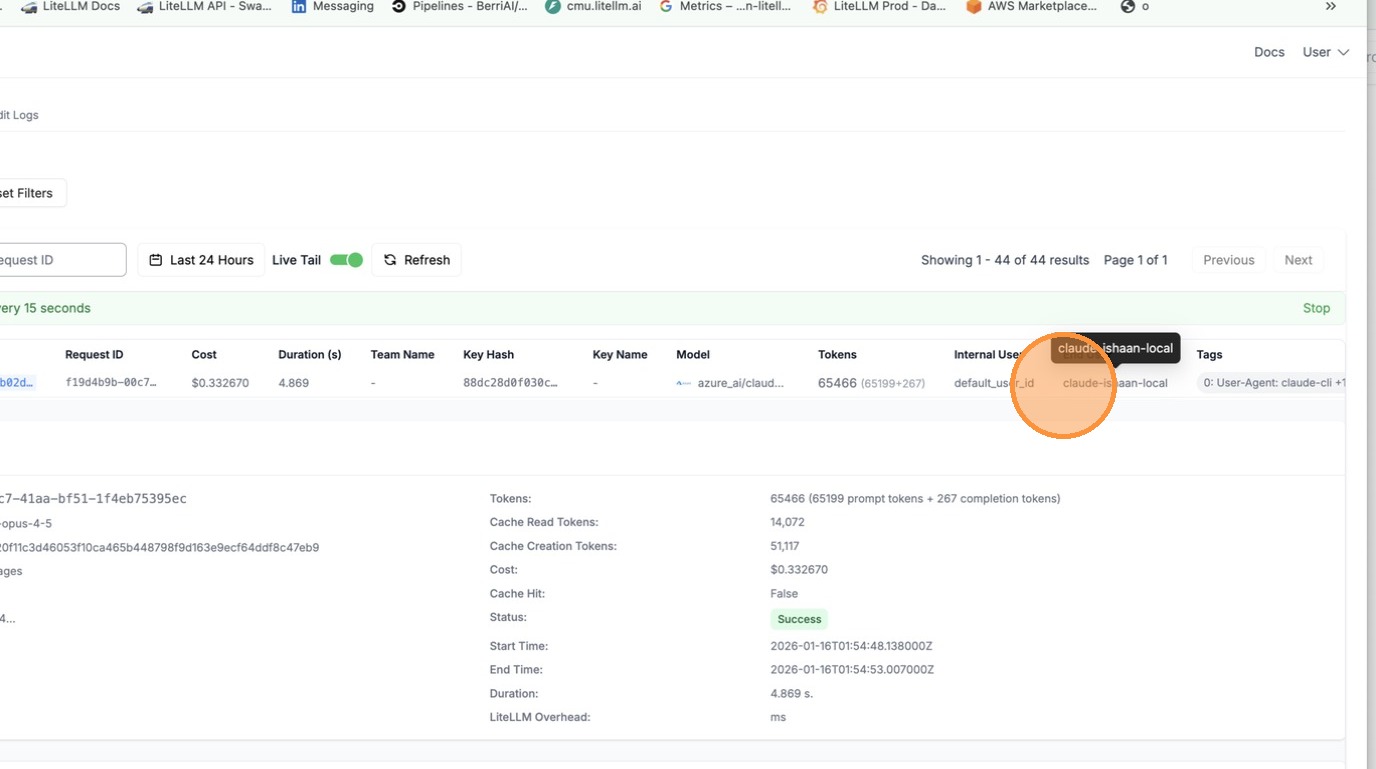
All requests will now be tracked under the customer ID claude-ishaan-local.
3. View Usage in LiteLLM UI
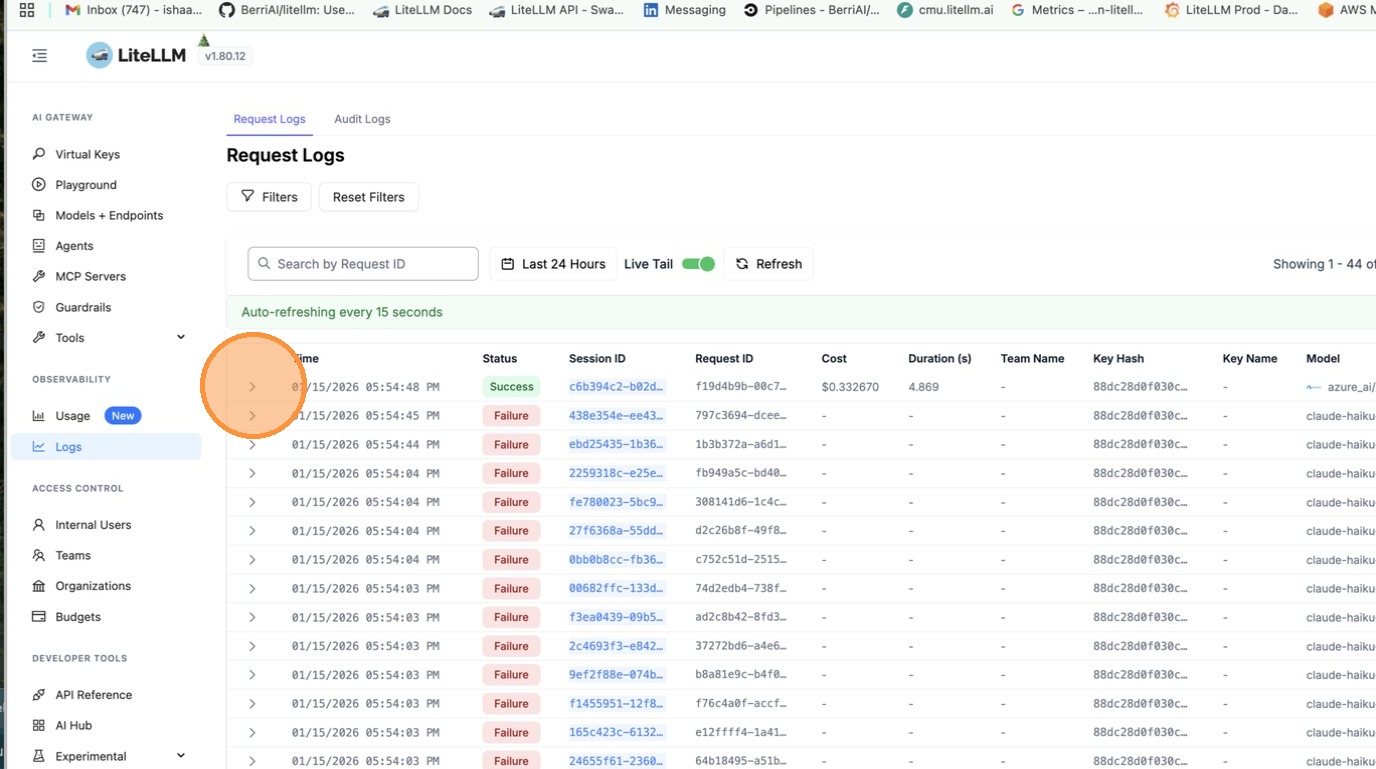
Navigate to the Logs tab in the LiteLLM UI.
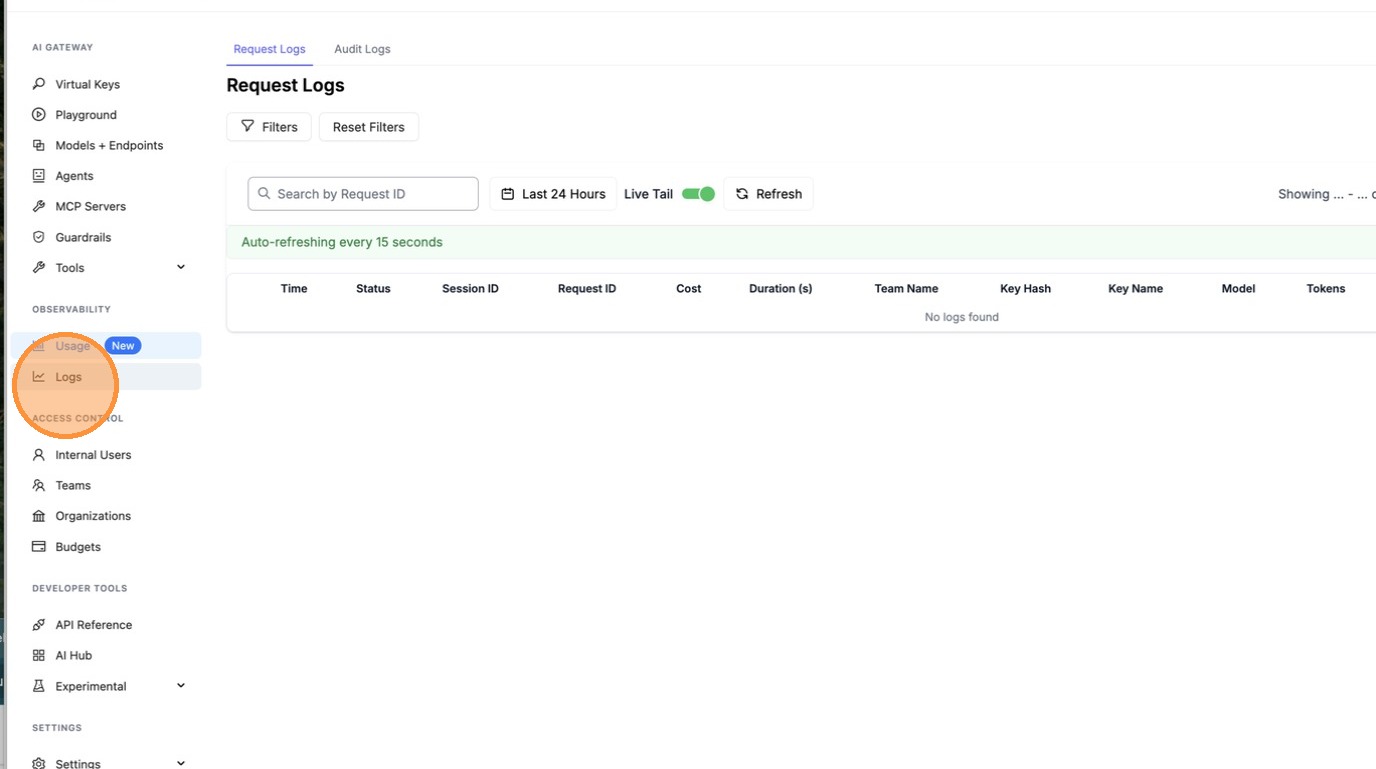
Click on a request to see details.
Filter by customer ID to see all requests for that customer.
Supported Headers
| Header | Description |
|---|---|
x-litellm-customer-id | Track by customer/end-user ID |
x-litellm-end-user-id | Alternative customer ID header |
x-litellm-tags | Comma-separated tags for cost attribution |

